

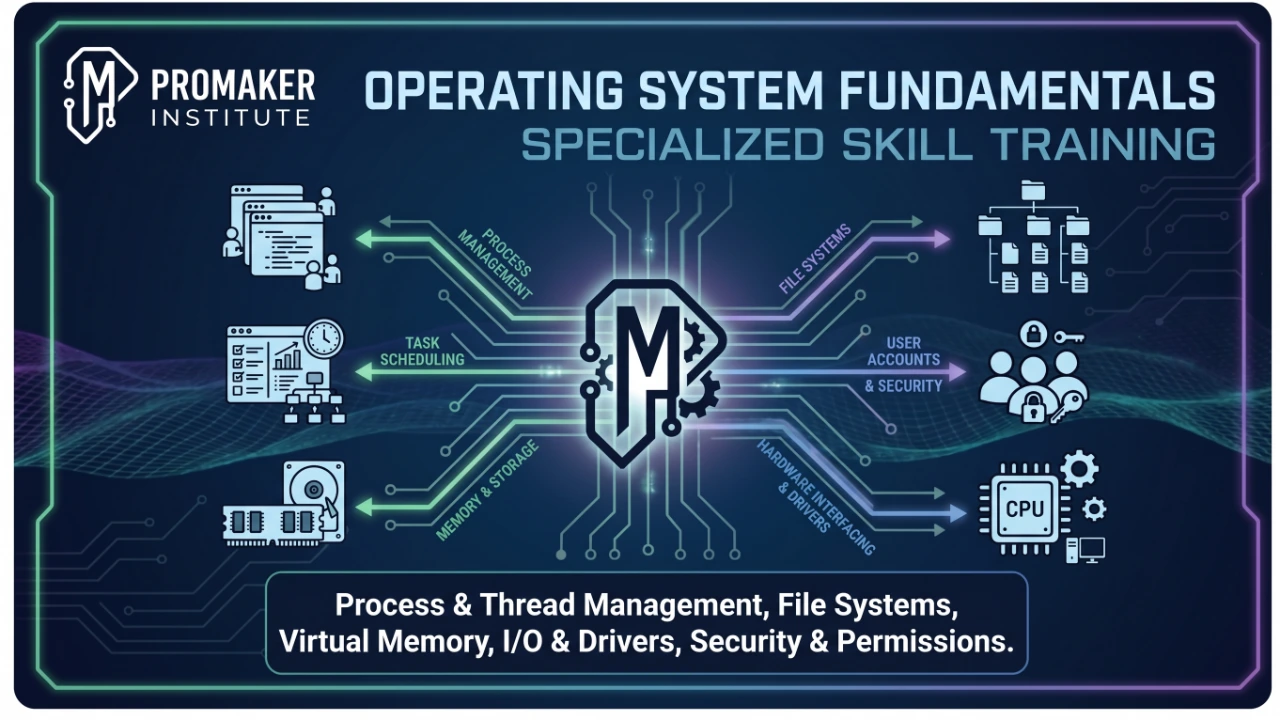
Specialized Skill Training - Operating System Fundamentals
nderstand operating systems, installation, configuration, and maintenance

Learn with
Hafiz Ali Mansoor Elahi
Course instructor
Certificate
Included
Starting from
Join anytime
Level
beginner
Duration
1m
Language
Urdu
Lessons
1
How you attend
Join anytime
No fixed start date or time. Enroll and attend on-site whenever you are ready.
Faisal Town Block C, Lahore
Faisal Town Block C, Lahore
≈ PKR 40,000.00
One-time payment · Ongoing access
- Format
- On-site
- When
- Join anytime
- Venue
- Faisal Town Block C, Lahore
- Address
- Faisal Town Block C, Lahore
This course includes
- 1 lessons
- Lifetime access
- Learn on desktop and mobile
- Certificate of completion
- 30-day refund request window
Guests can add to cart — sign in at checkout
Secure Checkout
Have a coupon?
Enter your code during checkout
Instructor
Hafiz Ali Mansoor Elahi
Course instructor
15+
Years exp.
Verified
Instructor
Course overview
About this course
Ideal for IT beginners, tech support aspirants, and system administrators. This hands-on course covers everything needed to manage desktop environments in a corporate setting. You will learn Windows installation, configuration, user management, permissions, driver installations, and system recovery. By the end of the training, you will be able to output a fully configured and secure OS deployment with managed users.
What you'll learn
Curriculum preview
1 sections · 1 lessons · 1m
1. Course Onboarding & Virtualization Setup
1 lesson · 697h 0m
- 1.Setting Up Your Virtual OS Environment697h 0m
Skills you will learn
- IT Infrastructure & Hardware Support
- Apply basic security hardening and access
- Specialized Skill Training
- Operating System Fundamentals
Student reviews
Be among the first to review
Verified learner feedback will appear here.
Your learning path
Course Curriculum
Browse the lesson outline. Full topic breakdowns unlock after enrollment.
Verified feedback
Student Reviews
No published reviews yet
Sign in after enrolling to leave a verified review.
Trusted reviews only
Reviews from enrolled learners will appear here once published, so every rating reflects a real learning experience.
Need to know
Frequently asked questions
Do I need to purchase any software or hardware?
No, all necessary equipment and Windows environments for practical configurations are available at our lab.
Should I bring my own laptop?
Yes, bringing your personal laptop is recommended for taking notes and saving your virtual machine configurations, though the lab provides the main physical equipment.
What career paths does this course support?
This training builds the exact foundational skills required for roles such as IT Support Specialist, Helpdesk Technician, and Junior System Administrator.
Is this course entirely theoretical?
No, the curriculum is heavily focused on hands-on practical labs where you will actively configure, break, and fix operating systems.
How long do I have access to the course?
Your enrollment includes ongoing access to the course and its available updates for the commercial life of the course or platform, subject to the Terms of Service.
Can I request a refund?
You may submit a request within 30 days. Approval is subject to the Refund Policy, including course progress, certificate, download, and account-use requirements.
Do I get a certificate?
Yes. Complete the required lessons and submit all required assignments to unlock your EmraSkills certificate of completion.
Can I preview lessons before buying?
When a preview is available, the lesson is clearly marked Preview in the curriculum so you can sample the teaching style before enrolling.