

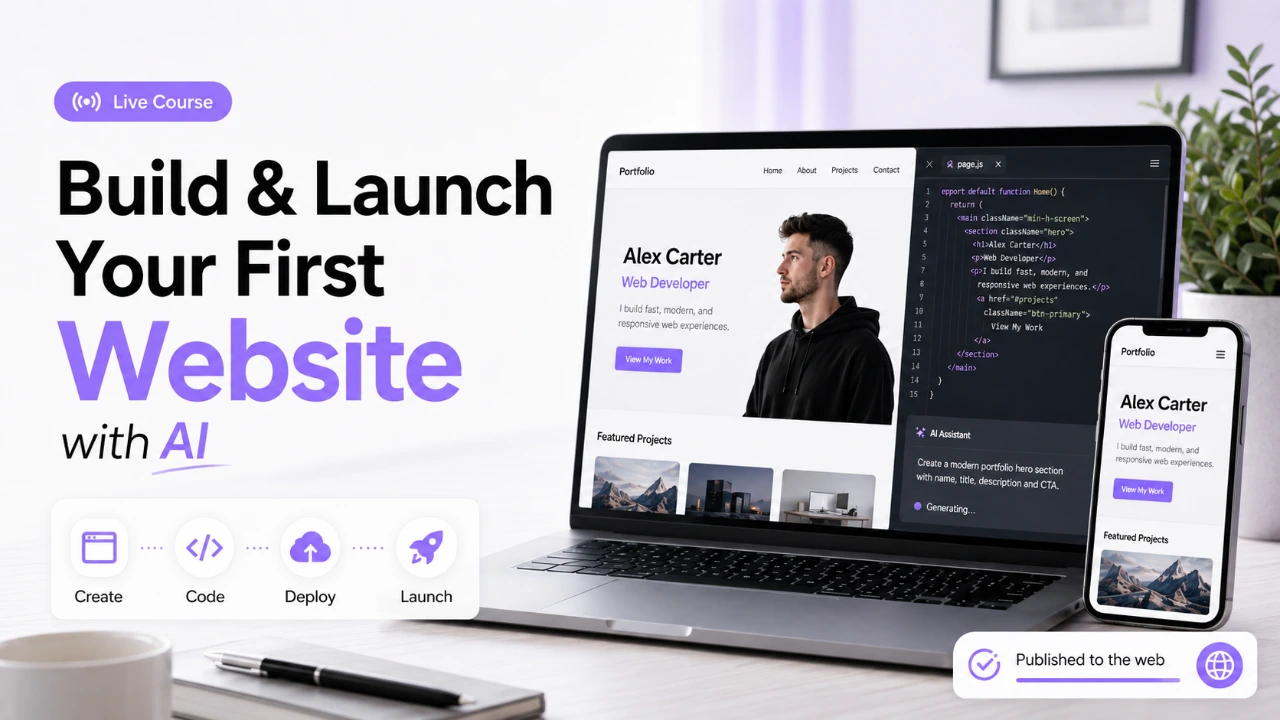
Build & Launch Your First Professional Website with AI
Beginner Friendly Live Course to Build, Code & Launch a Real Website with AI

Learn with
Muhammad Waqas
Course instructor | Founder @ EmpRadar.ai | Founder & CEO @ DaFi Labs | Software Engineering & AI Mentor
Certificate
Included
Last Updated
Aug 29, 2026
Level
beginner
Duration
10h
Language
Urdu
Lessons
8
How you attend
Tue, Sep 15, 2026 · 10:00 AM – 10:30 AM (UTC)
Join online at the scheduled time from your laptop.
≈ PKR 30,000.00
One-time payment · 90-day access
- Format
- Remote live
- Batch
- SEP 2026 BATCH 2
- When
- Tue, Sep 15, 2026 · 10:00 AM – 10:30 AM (UTC)
This course includes
- 8 lessons
- 90 days access after first completed lesson
- Learn on desktop and mobile
- Certificate of completion
- 2 live mentorship sessions
- 30-day refund request window
Guests can add to cart — sign in at checkout
Secure Checkout
Have a coupon?
Enter your code during checkout
Course overview
About this course
Build & Launch Your First Professional Website with AI is a beginner-friendly, practical live course designed for students, beginners and aspiring developers who want to learn modern web development using AI-assisted tools.
Instead of spending weeks only learning theory and syntax, you will learn by actually building a real website step by step. You will use tools such as ChatGPT and Cursor AI to generate ideas, create UI concepts, understand code, solve development problems and accelerate your workflow.
Throughout the course, you will explore the fundamentals of modern web development, React/Next.js, databases, Supabase, authentication, forms, dynamic functionality, email integration, GitHub and deployment with Vercel.
The focus is not simply on asking AI to generate code. You will learn how the different parts of a web application work together so that you can understand, modify and improve what you build.
Take a project from idea → development → live website
What you'll learn
Curriculum preview
4 sections · 8 lessons · 10h
1. AI-Powered Web Development Foundations
2 lessons · 2h 30m
- 1.Build Websites Faster with AI30m
- 2.Build Your First Full-Stack Web Application2h 0m
Skills you will learn
- Web Development
- Understand the basic structure of a modern
- Plan a professional website using AI
- Use AI tools to generate and improve website
- Build a responsive professional website
- Customize layouts, colors, sections, images,
Student reviews
Be among the first to review
Verified learner feedback will appear here.
Your learning path
Course Curriculum
Browse the lesson outline. Full topic breakdowns unlock after enrollment.
Meet your expert
Instructor
Muhammad Waqas
VerifiedCourse instructor | Founder @ EmpRadar.ai | Founder & CEO @ DaFi Labs | Software Engineering & AI Mentor
12+ years of industry experience
Muhammad Waqas is a technology leader, software engineer, and entrepreneur with 10+ years of experience in software development, backend engineering, AI, cloud infrastructure, SaaS, and Web3.
He has worked in roles ranging from Software Engineer and Technical Lead to CTO, Founder, and VP Technology, building and leading real-world technology products.
His core expertise includes Node.js, NestJS, Next.js, React, PostgreSQL, AWS, Docker, AI integrations, OpenAI APIs, system architecture, Solidity, and Web3 development.
As an instructor, his focus is on practical, project-based learning. Students learn how to take an idea from development to deployment by building real applications, integrating APIs and AI, working with databases, and launching production-ready projects.
Teaching focus: Backend Development, AI Automation, Full-Stack Development, AWS, DevOps, SaaS, System Design, Blockchain & Web3.
Learn by building. Build for the real world.
Verified feedback
Student Reviews
No published reviews yet
Sign in after enrolling to leave a verified review.
Trusted reviews only
Reviews from enrolled learners will appear here once published, so every rating reflects a real learning experience.
Need to know
Frequently asked questions
Is this course suitable for complete beginners?
Yes. No prior web development or coding experience is required. The course is designed to guide beginners step by step.
Is this a live or recorded course?
This course is currently delivered through live online classes on Google Meet. A recorded self-paced version may be added later.
What will I build during the course?
You will build, customize, and launch your own professional responsive website that you can use as a portfolio, personal website, or starting point for other projects.
Which tools will be used?
The course will mainly use AI development tools, GitHub, Vercel, and modern web technologies. The exact tools may be adjusted during the live sessions when needed.
Do I need a powerful computer?
No. A normal laptop or desktop capable of running a modern web browser and development tools is sufficient.
Do I need to pay for any additional tools?
Most tools used in the course will have free plans suitable for learning and completing the project. Any optional paid tool will be clearly explained beforehand.
Will I receive a certificate?
Yes. Learners who complete the required course activities and final project will receive an EmraSkills course completion certificate.
Will there be practical work?
Yes. This is a hands-on course. You will build the website alongside the instructor and complete practical activities rather than only watching lectures.
What if I miss a live class?
You should try to attend all live sessions. Any available session materials, notes, tasks, or recordings will be shared according to the course policy.
Will I learn how to publish my website online?
Yes. You will learn how to manage your project using GitHub and deploy your finished website so it is accessible through a live URL.
Can I use the completed website in my portfolio?
Yes. The final website is intended to be a real project that you can customize and showcase in your professional portfolio.
Will there be instructor support?
Yes. Since this is an instructor-led live course, you will have opportunities to ask questions and get guidance during the sessions.